
Becho Online Settings: Take Complete Control of Your E-Commerce Store
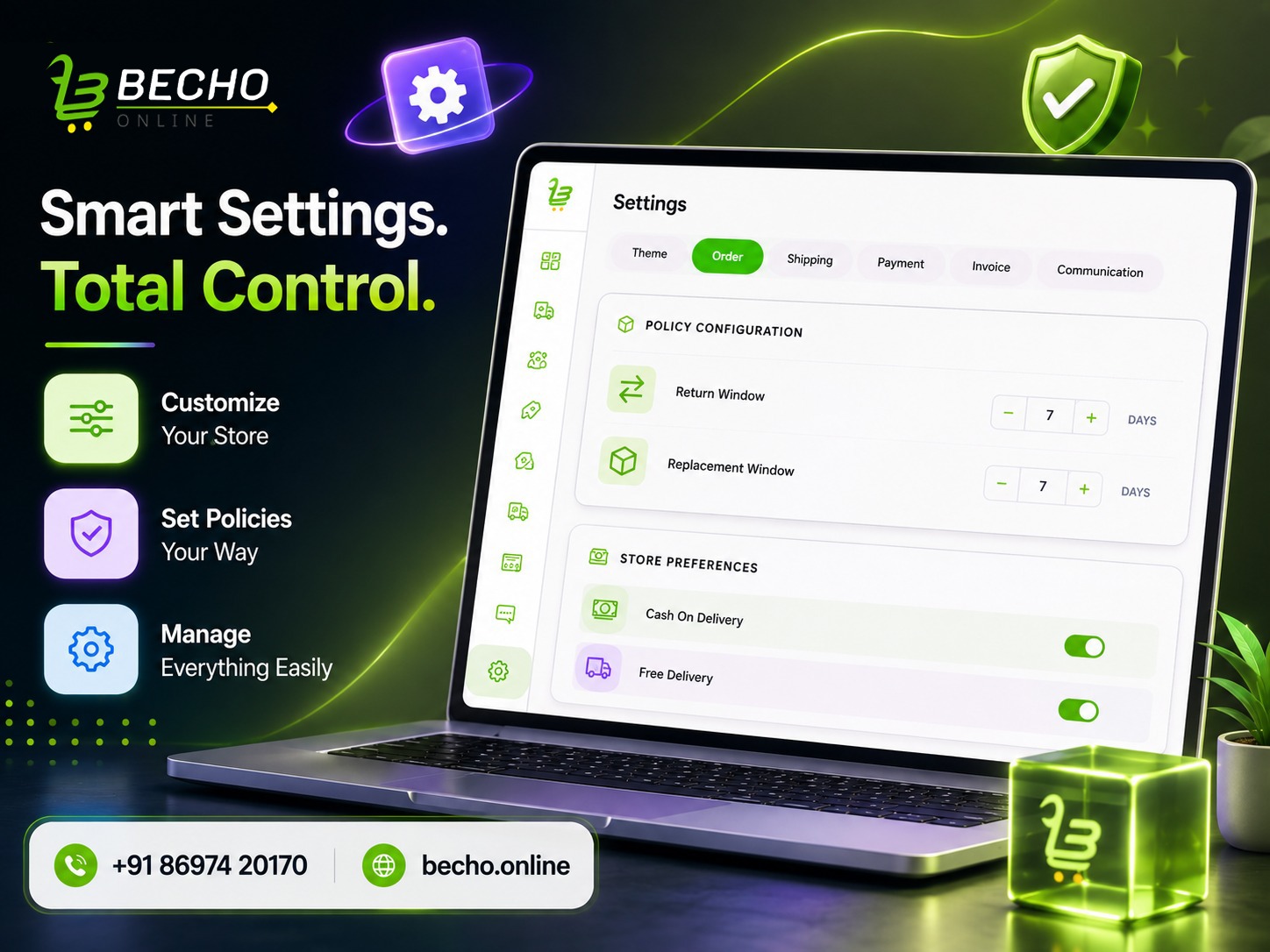
Manage your e-commerce store with ease using Becho Online. Customize themes, returns, COD, free delivery, shipping, payments, invoices, and customer notifications from one powerful settings panel.
Becho Online Settings: The Smarter Way to Manage Your E-Commerce Store
An online store may look simple from the customer's side, but behind every successful order are many decisions. How long should customers have to return a product? Should COD be available? When should free shipping apply? Which courier should handle deliveries? What should the invoice look like?
These everyday decisions can quickly become difficult to manage when they are scattered across different tools.
That’s why Becho Online puts essential e-commerce store settings together in one place. From your website appearance to shipping, payments, invoices and customer notifications, you can configure your store according to the way your business actually works.
Start With Your Brand's Look
Your online store should look like your brand, not like a generic template.
With Becho Online, you can choose from five theme color options for your website and category sections. Pick the color that fits your brand and create a more consistent shopping experience across your store.
It may seem like a small detail, but consistent colors and branding can make a store feel more professional and memorable.
Set Return, Replacement and Delivery Rules
Every e-commerce business has different policies. A clothing store may need a different return period than a jewellery or electronics business.
Inside the Settings section, you can define your return window and replacement window based on your business policy.
You can also decide whether Cash on Delivery (COD) should be available. COD remains an important part of India's online shopping journey, particularly for customers who prefer paying after receiving their products. At the same time, businesses need to manage the additional risk of failed COD deliveries and RTO.
Want to offer free shipping? You can enable free delivery and set a minimum order amount. Once a customer's order reaches that amount, free delivery can be applied automatically.
Simple settings like these can help you create better offers while keeping delivery costs under control.
Connect Shipping Without the Extra Hassle
Choosing the right logistics partner is an important part of running an online store.
Becho Online lets you connect shipping services such as Shiprocket and Delhivery. You can enter the required account information and connect your preferred shipping service with your store.
For business owners, this means less jumping between systems and a more connected approach to order fulfilment.
Give Customers Convenient Payment Options
A customer has reached checkout — the last thing you want is unnecessary friction.
Through the payment settings, businesses can integrate options such as Razorpay and CashFree by adding the required account details.
Once connected, the payment service becomes part of your store's checkout setup, giving customers a convenient way to complete their purchase.
Make Your Invoices Match Your Business
A professional invoice can leave a better impression long after an order is delivered.
With Becho Online, you can customise important invoice settings, including invoice theme color, logo position, declaration, financial year, invoice number, invoice prefix, credit note number and credit note prefix.
You can also add an invoice note and authorised signature where needed.
Not every field is essential for every business, but adding the relevant information can make your invoices look more complete and professional.
Keep Customers Informed at Every Step
The customer journey doesn't end after checkout.
Customers want to know what is happening with their order, and timely updates can make the waiting period feel much easier.
Becho Online allows you to control notifications for key order stages:
Order Placed
Order Confirmed
Shipped
In Transit
Out for Delivery
Delivered
Cancelled
You can enable or disable each notification according to your business needs.
This is especially useful as delivery speed and order visibility continue to influence e-commerce expectations in India.
Everything Your Store Needs, In One Settings Panel
The real advantage of Becho Online is not simply having more settings. It is having the right controls in one place.
With Becho Online, you can:
Brand your store: Choose website and category theme colors.
Manage policies: Set return and replacement windows.
Control delivery: Enable COD and set free-shipping limits.
Connect logistics: Integrate Shiprocket or Delhivery.
Manage payments: Connect Razorpay or CashFree.
Customise invoices: Configure colors, branding, numbering and notes.
Manage communication: Control notifications across the order journey.
A good e-commerce platform should make complicated business tasks feel simple.
Becho Online does exactly that by putting the decisions back in your hands — so you can spend less time managing settings and more time growing your online business.
👉Create an Online Store That Grows with You..Get a Free Demo..
📌Follow our Facebook Page for business tips and product updates.


